
Badge and Icon Creation
See Banner, Badge and Icon Guidelines and achievement set revisions for more information on icon creation and changing current achievement icons.
Uploading Badges in the Emulator
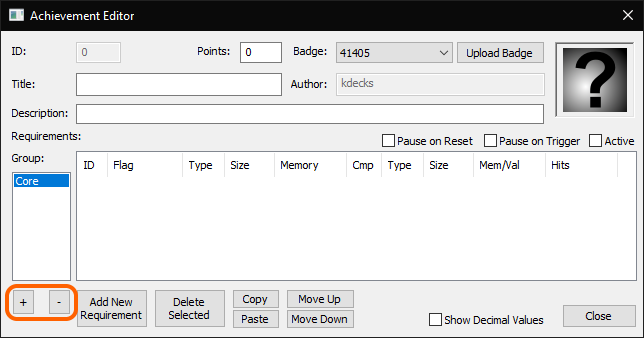
When you create new achievements, you can upload their badges from the Asset Editor in the emulator's developer tools:
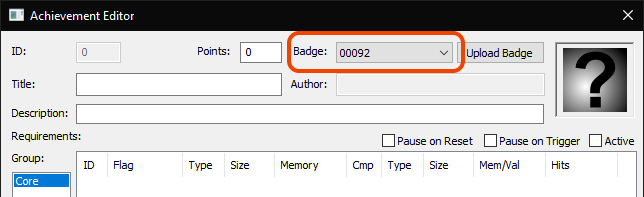
You can also pick an image you uploaded before from the dropdown box:
Where you'll see Badges and Icons are displayed
- On leaderboards: 96x96 (Icon only)
- In RA Emulators 64x64
- Game Pages: 96x96
- User Pages: 48x48
- Currently Playing (front page), New Achievements, Similar Games: 32x32
The actual images are not being resized. The image is scaled by the browser to the display size. Some browsers such as Android's browser will display larger images more clearly. You can also increase your browser zoom to see them more clearly.
It's anticipated that in a future website version, Icons and Badges will be displayed at full size in other places.
Creating Good Screenshots
Most emulators have a screenshot function that takes screenshots at the system's native resolution, regardless of your output resolution. It can be helpful to leverage these to get crisp screenshots without added distortion or filters. For example, in RALibretro, the print screen key will take a screenshot in this manner.